
10 Essential WordPress Plugins for Beginners
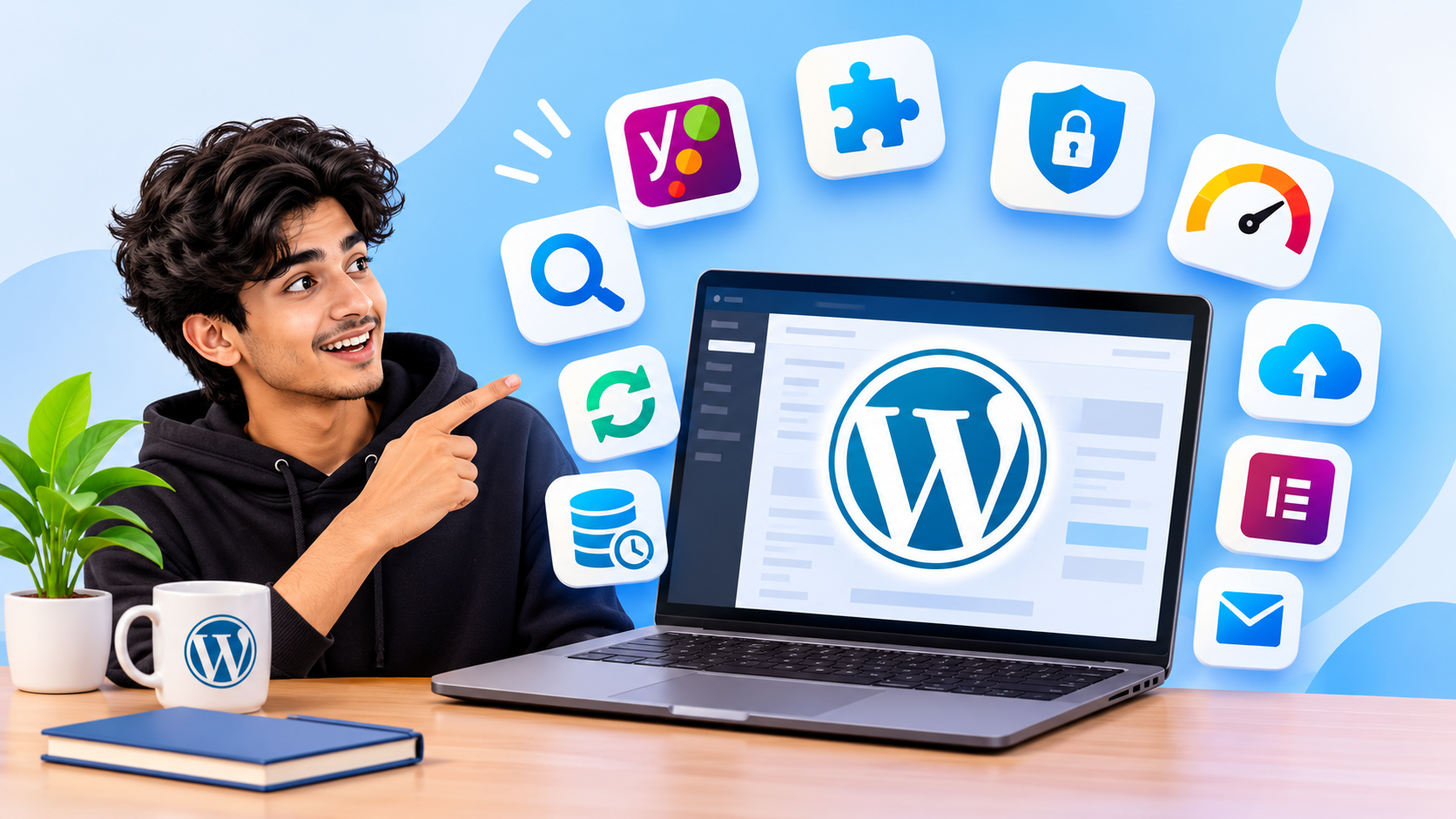
Starting a WordPress website is exciting, but the plugin library has over 60,000 options, and it is easy to feel lost. Install too many and your site gets slow and unsafe. Install too few and you miss out on features that make your site fast, secure, and easy to find on Google.
This guide covers the 10 essential WordPress plugins every beginner needs. Each one solves a real problem, and most have a free version.
1. Yoast SEO or Rank Math (SEO) SEO plugins help your pages show up on Google. They guide you in writing better titles, meta descriptions, and keywords, and they create your XML sitemap automatically. Why you need it: Good content is not enough if search engines cannot understand it. Tip: Choose either Yoast SEO or Rank Math. Never run both together. 2. LiteSpeed Cache or WP Rocket (Speed) A slow website loses visitors and ranks lower. Caching plugins store ready-made versions of your pages so they load much faster. Why you need it: Page speed affects user experience and Google rankings. Tip: LiteSpeed Cache is free and works best on LiteSpeed servers. WP Rocket is paid but very easy to set up. 3. Smush or ShortPixel (Image Optimization) Large images are the biggest cause of slow websites. These plugins compress your images without visible quality loss and add lazy loading. Why you need it: Faster pages, better Core Web Vitals, and lower hosting bandwidth use. 4. Wordfence Security or Sucuri (Security) Hackers target new WordPress sites every day. A security plugin adds a firewall, scans for malware, and blocks suspicious login attempts. Why you need it: Protecting your site and your visitors' data from day one. 5. UpdraftPlus (Backup) Every website owner needs a backup plan. UpdraftPlus saves your site automatically to Google Drive, Dropbox, or other cloud storage and restores it in one click. Why you need it: If your site crashes or gets hacked, you can bring it back in minutes. 6. Elementor (Page Builder) Elementor lets you design pages with drag and drop. You can build a homepage, landing page, or portfolio without writing any code. Why you need it: Professional layouts without a developer. Tip: The free version is enough for most beginners. 7. WPForms or Contact Form 7 (Forms) Contact forms let visitors reach you and help you collect leads. WPForms has a simple drag-and-drop builder, while Contact Form 7 is free and lightweight. Why you need it: Every business or portfolio site needs an easy way for people to get in touch. 8. Site Kit by Google (Analytics) Site Kit brings Google Analytics, Search Console, and PageSpeed Insights into your WordPress dashboard. Why you need it: You can see how many people visit your site, where they come from, and which pages perform best, without leaving WordPress. 9. Redirection (Link Management) When you change a page URL or delete a post, old links break and visitors see a 404 error. Redirection sends them to the right page and logs broken links so you can fix them. Why you need it: It protects your SEO and keeps visitors on your site. 10. Akismet Anti-Spam (Spam Protection) Spam comments and fake form submissions pile up quickly. Akismet filters them automatically so your inbox and comment section stay clean. Why you need it: Saves time and keeps your site looking professional.
India has over a million people calling themselves digital marketers. Some are genuinely brilliant. Many are not.
But here’s the thing nobody tells you: even the most talented marketer in the country might be completely wrong for your business.
A marketer who scaled a D2C skincare brand to ₹10 crore doesn’t automatically know how to get patients into your dental clinic. A performance ads expert who lives inside Meta Ads Manager may have no idea how to build a brand people actually love.
“Best” is not a title. It’s a match.
Quick Comparison
Quick Comparison
Purpose | Recommended Plugin |
|---|---|
SEO | Yoast SEO / Rank Math |
Speed | LiteSpeed Cache / WP Rocket |
Images | Smush / ShortPixel |
Security | Wordfence / Sucuri |
Backup | UpdraftPlus |
Design | Elementor |
Forms | WPForms / Contact Form 7 |
Analytics | Site Kit by Google |
Redirects | Redirection |
Spam | Akismet |
Beginner Tips for Using Plugins
- Install only what you need. Every extra plugin adds weight and risk.
- Download from trusted sources. Use the official WordPress plugin directory or well-known developers.
- Keep plugins updated. Updates fix bugs and security holes.
- Delete unused plugins. Deactivating is not enough; remove them completely.
- Avoid duplicates. Do not run two SEO plugins or two caching plugins at once.
- Back up first. Take a backup before installing or updating major plugins.
Conclusion
Freelancer — Best when you need one thing done really well and your budget is tight. Risk: they get busy, sick, or hired full-time somewhere else, and you’re stuck.
Agency — Best when you need multiple skills (SEO + ads + design + content) working together. Risk: you get sold to by the founder and serviced by an intern. Always ask who actually runs your account.
In-house hire — Best when marketing is core to your business and you need someone who lives your brand daily. Risk: one person can rarely do everything, so you may still need external specialists.
Consultant — Best when you already have a team but need strategic direction. Risk: strategy without execution is just an expensive document.
Questions to Ask Before You Pay Anyone
Copy these. Use them in your next call.
- Can you show me results from a business similar to mine in size and stage?
- What exactly will you do in the first 30 days?
- Who will manage my account day to day, and can I speak to them?
- What do you need from me for this to work?
- What happens if we don’t hit the targets?
- Is the ad budget included in your fee, or separate?
- Who owns the accounts, creatives, and data if we part ways?
That last one catches more people than you’d expect. Always own your own ad accounts and analytics.
Red Flags Worth Walking Away From
- Guaranteed rankings or guaranteed sales (nobody can promise this honestly)
- Refusing to share which tools or methods they use
- No written scope of work
- Pressure to sign today because “the offer expires”
- Portfolios full of logos but no numbers
- Talking down to you when you ask a basic question
What This Actually Comes Down To
The best digital marketer in India, for you, is the one who:
- Understands your customer better than you expected
- Tells you uncomfortable truths early
- Reports clearly, even when results are bad
- Treats your budget like their own money
That person exists. They’re probably not the one running the loudest ads about how good they are at running ads.
Take three calls. Ask the hard questions. Trust the one who makes you feel informed rather than impressed.
Frequently Asked Questions
Who is the best digital marketer in India?
There’s no single answer, and anyone who claims the title should make you suspicious. The best digital marketer for your business is the one who understands your industry, your customer, and your budget stage. A specialist who scaled a D2C brand may be a poor fit for a local service business. Judge on fit and proven results, not on follower count or self-applied titles.
How much does a digital marketer cost in India?
It varies widely by experience and scope. Freelancers typically charge a monthly retainer for a single service like SEO or social media. Agencies charge more because you’re paying for a team across multiple channels. Senior consultants charge for strategy rather than execution. Always clarify whether your ad spend is included in the fee or billed separately — that one detail changes the real cost dramatically.
Should I hire a freelancer or a digital marketing agency?
Hire a freelancer when you need one skill done well and your budget is limited. Hire an agency when you need SEO, paid ads, content, and design working together. The trade-off is reliability versus breadth: a freelancer can disappear, while an agency can hand your account to a junior. Ask who will actually manage your work day to day before you commit.
How long does digital marketing take to show results?
Paid advertising can generate leads within days, though it takes a few weeks of testing to become efficient. SEO and content marketing usually need three to six months before meaningful organic traffic appears. Social media brand-building is slower still. Anyone guaranteeing page-one rankings in 30 days is selling you something that doesn’t exist.
What should I ask a digital marketer before hiring them?
Ask for results from a business similar to yours in size and stage, what exactly they’ll do in the first 30 days, who manages your account daily, what they need from you, and who owns the ad accounts and data if you part ways. That last question catches more people than you’d expect — always keep ownership of your own accounts and analytics.
How do I know if my digital marketer is actually working?
You should receive clear reports tied to business outcomes: cost per lead, conversion rate, return on ad spend, and revenue attributed to each channel. If reporting focuses only on impressions, reach, and engagement, you’re being shown activity rather than results. You should also have direct access to your own ad accounts and analytics at all times.
Do small businesses in India really need digital marketing?
If your customers search online before buying — and most now do — then yes. The difference is scale, not necessity. A small business may need nothing more than a well-optimised Google Business Profile, a clear website, and a modest local ad budget. You don’t need a full agency retainer to compete locally; you need the right few things done properly.